
Why Copying Chart Screenshots Instead of Checking Live HTML Tables Causes Misreads
Scroll through almost any WhatsApp group discussing historical records and you see the exact same headache: fuzzy, five-times-forwarded JPEG screenshots zoomed in so tightly that Monday–Saturday headers vanished ages ago and every small 3 blends into an 8.
Opening the actual live HTML chart table uses less mobile data than loading a bloated screenshot, keeps every date and column sharp at any zoom level, and never passes along yesterday's uncorrected typos.
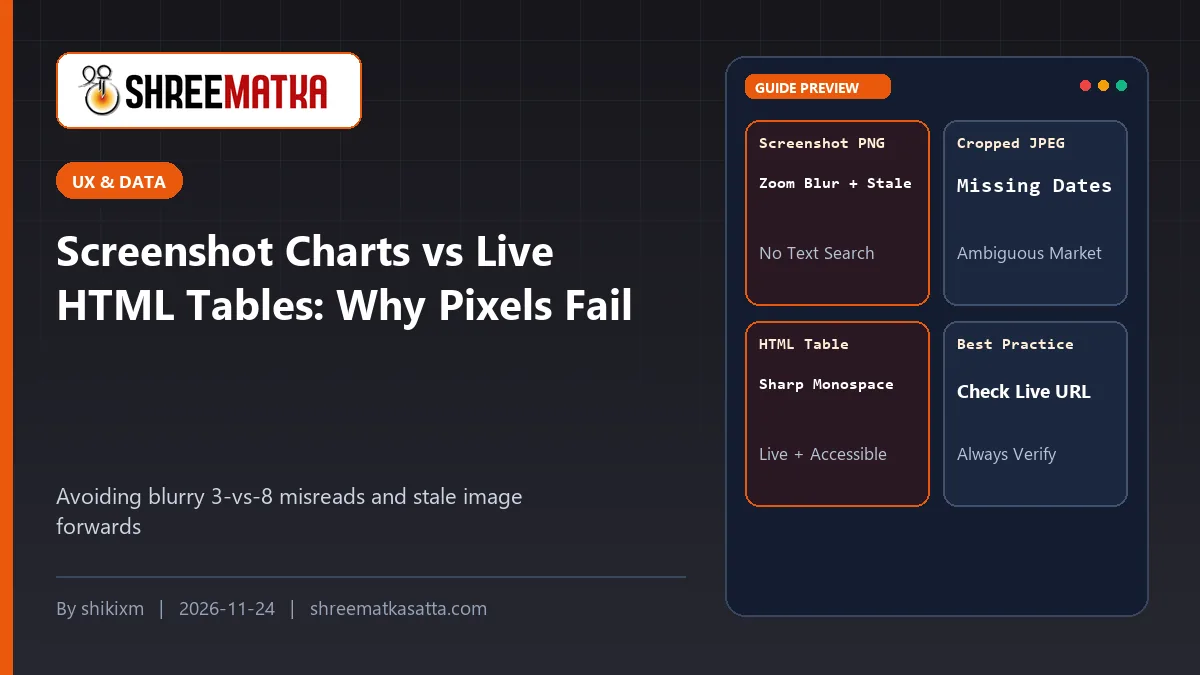
Chat apps crush and re-compress screenshots every time someone hits Forward, smearing small Panna digits (3/8, 5/6, 1/7), cropping off top weekday labels, and freezing uncorrected old entries forever. Live semantic HTML tables stay razor sharp, fit Ctrl+F search, and reflect real-time corrections automatically.
Table of Contents
- How Social Messaging Compression Turns 3s Into 8s
- Why Live Web Tables Beat Forwarded Chart Images
- Why Cropped Screenshots Mix Up Tuesday and Wednesday Results
- Why Clean HTML Charts Also Use Less Data & Battery
- Why Fake Edited Chart Screenshots Fool Newcomers Easily
- Frequently Asked Questions
- Switch From Blurry Snaps to Clean Charts
How Social Messaging Compression Turns 3s Into 8s
Panel charts stack three Panna numbers vertically inside tiny bordered boxes just a few pixels wide. Whenever WhatsApp or Telegram shrinks a normal gallery image for fast sending, JPEG compression smooths over subtle gaps between curved lines.
A tiny vertical gap inside 3 or 5 blurs straight into 8 or 6. People argue for twenty minutes over a blurry screenshot when tapping the actual web page settles the exact digit in one clear glance.
Why Live Web Tables Beat Forwarded Chart Images
| Reading Need | Forwarded JPG / PNG Image | Live Responsive HTML Chart |
|---|---|---|
| Clarity on Zoom | Pixelated edges blur 3 vs 8 and 5 vs 6 |
Sharp font text stays crisp from 100% up to 400% zoom |
| Weekday & Date Headers | Frequently cropped out to fit phone screen | Full Mon–Sat column headers & week dates attached |
| Text Search / Copy | Impossible to search dates or copy numbers | Instant browser Find (Ctrl+F) & clean clipboard copy |
| Handling Corrections | Old wrong image stays pinned in chats for weeks | Live page updates immediately if a typo gets fixed |
Why Cropped Screenshots Mix Up Tuesday and Wednesday Results
Think about what goes wrong when someone captures only five weeks in the middle of a long 2026 table to fit their 6-inch phone display. Both the top weekday column names (Mon Tue Wed Thu Fri Sat) AND the year title disappear outside the frame!
Look at our guide on why copying tables without headings ruins accuracy: without visible day headers, one blank holiday column shifts every subsequent day in the viewer's head.
/chart/pana/kalyan or /charts)
Why Clean HTML Charts Also Use Less Data & Battery
Weirdly enough, crisp text-based tables (20–35 KB compressed HTML) take dramatically less cellular bandwidth than a multi-megabyte full-year PNG chart collage! Even budget phones render plain text cells smoothly without choking battery or memory.
Review our mobile chart design overview and bookmark saving tips to keep every market one tap away with zero eyestrain.
Why Fake Edited Chart Screenshots Fool Newcomers Easily
Beyond blurry digits, images are trivial to alter in thirty seconds using basic mobile photo editors. Unscrupulous Telegram channels routinely paint yesterday's real Jodi out of a downloaded PNG chart, swap in their 'VIP guess', and claim an uncanny hit.
You cannot rewrite HTML published directly on a live verified URL inside someone else's browser. Following three fast verification habits keeps every historical check accurate:
- Verify directly at the source domain: Check numbers straight on Shree Matka Charts instead of WhatsApp image albums.
- Always keep date + day headers visible: Never analyze chopped screenshots missing top weekday names (
MontoSat). - Save crisp browser PDFs if offline: Use Chrome Print → Save as PDF rather than multi-part phone screenshots.
If anyone shares a weird screenshot showing an impossible Jodi or Panna sum, always open the live archive link before repeating it, and never trust static forwarded images blindly.
Frequently Asked Questions
Why do HTML chart pages load quicker than crisp full-page PNG chart sheets?
Plain HTML text compresses down to just a few dozen kilobytes, whereas crisp high-resolution screenshots spanning several years easily consume multiple megabytes.
Can I still keep a crisp offline chart file without internet?
Yes. Tapping 'Print → Save as PDF' in your mobile browser captures crisp, infinitely zoomable vector text and borders without blurry pixels.
Why can screen readers read HTML charts while failing on chart images?
Structured <table>, <thead>, and <th> HTML code tells assistive readers exact row dates and day columns clearly.
Switch From Blurry Snaps to Clean Charts
Sending real chart links instead of compressed photos prevents unnecessary arguments over blurry digits.
Continue reading our chart readability guides: