
How to Verify Authentic Shree Matka Android Package vs Fake Clone Channels
Type any popular Android portal name into Telegram search or forwarded WhatsApp groups and clone APKs show up by the dozen, borrowing exact app icons and slapping tempting promises like "VIP Mod v5" onto the filename.
Earlier, we covered why genuine Indian real-money web portals sit outside the Google Play Store. Today let us walk through the exact two-minute Android checks that tell the genuine Shree Matka build apart from spyware clones.
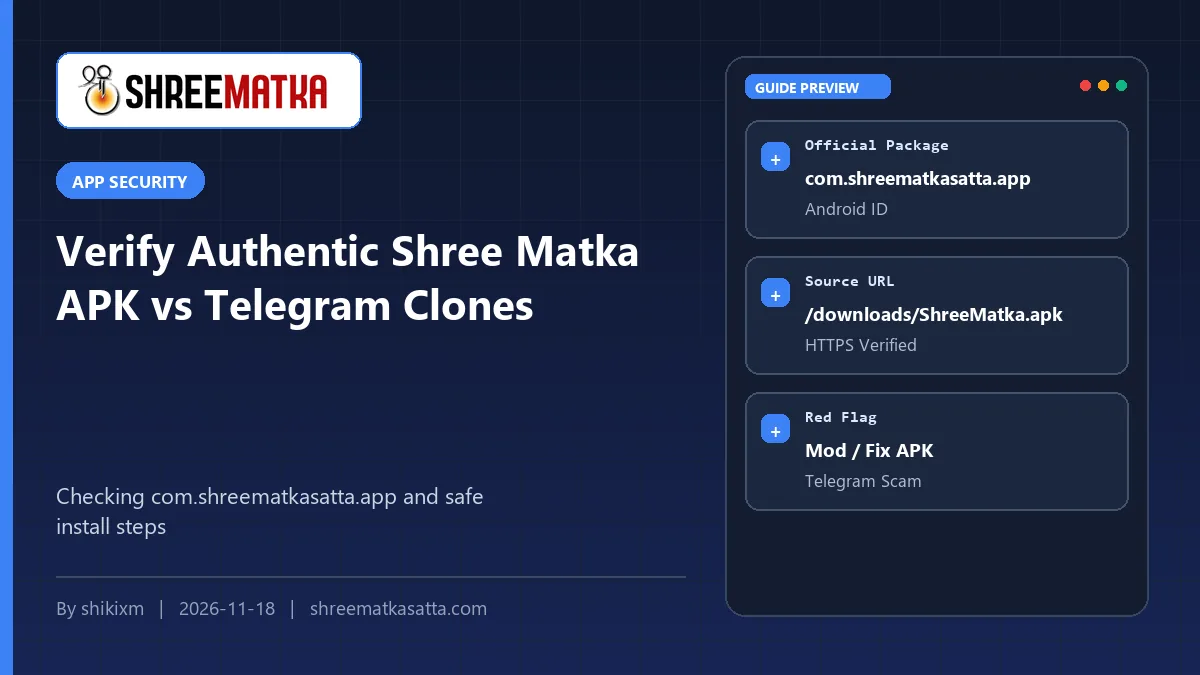
Check three hard facts before trusting any APK on your phone: download strictly over HTTPS from https://shreematkasatta.com/download, confirm the Android Package ID inside App Info matches com.shreematkasatta.app, and block any file asking for SMS inbox, Contact list, or Accessibility permissions.
Table of Contents
Anyone Can Copy an App Icon, But Nobody Can Fake a Signed Package ID
Stealing a website logo takes five seconds. Any scammer can screenshot our banner, paste it onto an app named Shree Matka Pro 2026, and drop the file inside a Telegram chat.
Under the hood, Android separates genuine apps from copies using a strict identifier called the Package Name along with a developer signing certificate.
Before logging into any installed build, long-press the app icon on your Android home screen → tap App Info (i) → scroll down to the very bottom → and make sure the technical package ID displays com.shreematkasatta.app, downloaded straight from https://shreematkasatta.com/download.
App details / package ID)
com.shreematkasatta.app strictly character-for-character
Authentic Shree Matka Build vs Clone Red Flags
| Verification Check | Real Shree Matka Build | Fake / Clone Warning Sign |
|---|---|---|
| Official Download Address | HTTPS https://shreematkasatta.com/download |
Telegram channels, shortened links, Drive/Mediafire mirrors |
| Android Package ID | com.shreematkasatta.app |
com.mod.*, weird misspelled letters, random strings |
| Requested Permissions | Internet + optional Push Alerts (FCM) |
Asks for Read SMS, Contacts, Call Logs, Accessibility |
| Promised Claims | Standard rates & live verified chart views | Promises unlimited coin bugs, auto-win mods, or free VIP |
Permissions You Must Always Say NO To
Think for a moment about what a live chart and gaming portal actually needs from your phone hardware. It needs mobile data/Wi-Fi to show charts, and optional notification permission if you want Open/Close draw alerts.
Why would a fake Matka APK beg for Read SMS, Accessibility Service, or Contacts? Because malicious Android trojans watch incoming banking SMS OTPs silently in the background or steal WhatsApp contact lists to spam your friends!
If an installation ever flashes Accessibility or SMS permission prompts, cancel and delete the APK immediately.
Why 'Modded Shree Matka Unlimited Coins APKs' Cannot Exist
Wallets, UTR checks, and market results do NOT run inside the little APK saved on your phone; they sit safely on protected backend databases. Nobody can unlock free wallet coins by editing a local Android screen.
Every single file labeled Mod APK, Hack APK, or Win Trick APK is bait built either to collect your login details or drop hidden malware onto your personal banking phone. Follow these four habits whenever upgrading or reinstalling:
- Start from the main domain directly: Type
shreematkasatta.com/downloadin your browser instead of clicking forwarded YouTube or Telegram links. - Turn off unknown install sources right after: Once your real Android package updates, toggle 'Install unknown apps' back OFF in phone Settings.
- Uninstall weird duplicate icons immediately: If an older clone sits on your home screen next to the authentic build, remove it right away without signing in.
- Read full setup guidance: Keep our Android installation walkthrough bookmarked for step-by-step screenshots.
Browser warning 'File might be harmful' appears on EVERY direct .apk downloaded outside Google Play. Look strictly at the browser lock bar and confirm shreematkasatta.com before tapping Download.
Frequently Asked Questions
Where is the single verified link to get the official Android app?
Download solely over HTTPS from https://shreematkasatta.com/download (/downloads/ShreeMatka.apk), and never from forwarded Telegram files or random blogs.
What if a genuine update comes out, do I lose my wallet history?
No. Official builds using package com.shreematkasatta.app update smoothly over the previous version while your account and balance stay securely stored on the server.
Why does Google Chrome pop up 'File might be harmful' for legitimate APKs?
Android Chrome displays that standard warning notice on ALL .apk files downloaded directly from browsers instead of Play Store. Double-check the exact domain spelling first.
Stay Safe With HTTPS & Account Security Guides
Installing only from verified domain links and rejecting suspicious permissions eliminates 99% of Android clone threats.
Continue reading our app and privacy safety guides: