
UPI Deposit Pending or Failed? Understanding UTR Numbers and Amount Checks
Almost every regular UPI user in India has run into this annoying five minutes: PhonePe, Google Pay, or Paytm flashes a cheerful green checkmark saying payment sent, yet the wallet page sits on Pending.
Your very first instinct might be sending another ₹500 quickly thinking the first one disappeared. Stop right there! Knowing how automated 12-digit UTR checks match bank slips fixes 90% of pending issues without creating messy double transfers.
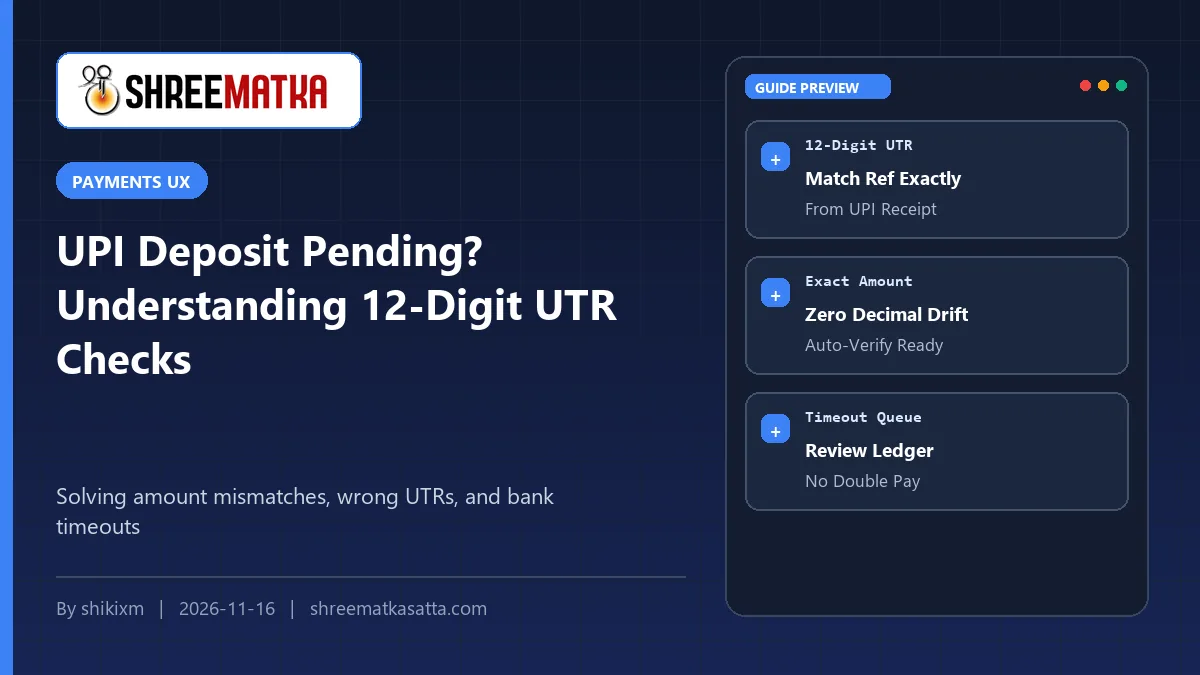
Deposit verification systems look for three exact matches before crediting any wallet: the correct 12-digit numeric UTR/UPI Reference ID from your bank receipt, the exact rupee value requested, and an active unexpired QR session. Any single-digit UTR typo or changed rupee amount sends the entry straight into manual review.
Table of Contents
Finding the Real 12-Digit UTR (Not the Google Pay Letters ID)
This single mix-up causes more pending delays than anything else on Indian payment apps. Open any finished transfer inside Google Pay or PhonePe and two or three reference numbers sit right on screen.
For example, Google Pay shows a long mixed-letter Google Transaction ID (CICAgOC...). That string stays inside Google Pay alone, so your bank ledger cannot match it directly! Look two lines below it for the UPI Transaction ID / UTR, which is strictly 12 pure digits (for example 431822905411).
On PhonePe and Paytm, look specifically for the 12-digit UTR / UPI Ref No and use the little Copy icon rather than reading and typing twelve numbers manually.
Common Pending or Failed UPI Errors & Exact Fixes
| What Your Screen Shows | Most Likely Root Cause | Right Next Step |
|---|---|---|
| Stays Pending > 5 Minutes | Entered GPay alphanumeric ID or mistyped 1 digit of 12-digit UTR | Open UPI app receipt → copy pure 12-digit numeric UTR |
| Marked Failed / Amount Mismatch | Requested ₹500 inside app, sent ₹499 or ₹550 via UPI | Always match the exact rupee figure shown on request screen |
| 'Duplicate UTR' Warning | Submitted the same 12-digit UTR a second time after refresh | Stop resubmitting; wait for wallet balance or ledger update |
| QR / Request Timed Out | Paid an old QR screenshot saved 25 minutes earlier | Create a fresh deposit request each time before opening UPI |
Always Transfer the Exact Rupee Amount Listed on Screen
Say you opened a ₹500 request in the wallet window, then changed your mind inside Paytm and sent ₹1,000 to the same UPI ID instead, or shaved off ₹10 testing.
Strict ledger rules match both UTR AND exact requested rupees (₹500.00 = ₹500.00). Sending a different sum blocks instant automated clearance so a staff reviewer must check your statement manually.
Why 11:45 PM to 12:30 AM Bank Settlement Windows Lag
Even clean systems hiccup occasionally right near midnight when Indian retail banks (NPCI, SBI, HDFC, ICICI) run nightly ledger batch checks. If your UPI app says Processing (Wait up to 48 hours), money has not finished reaching the receiver yet.
Do not fire off a second transfer while the first sits in bank limbo. Wait calmly 10 to 15 minutes to see whether the bank finishes the transfer or reverses funds straight back into your savings account, and contact official in-app support from the official portal only if your bank shows Completed with zero wallet update.
Save one clear screenshot showing the 12-digit UTR, exact ₹ amount, and time stamp until your wallet balance updates. Never post full bank screenshots publicly inside public Telegram groups.
Frequently Asked Questions
Where do I spot the 12-digit UTR inside Google Pay or PhonePe?
Open your payment receipt inside the app and look for the strictly 12-digit numeric 'UPI transaction ID' or 'UTR', not alphanumeric strings starting with letters.
What happens if I typed the 12-digit UTR wrong by one number?
Automated matching will fail to find your bank slip, sending your request to Pending until you supply the exact 12-digit receipt screenshot to official support.
Why did scanning a saved QR code 25 minutes later fail?
Dynamic deposit sessions carry strict expiry timers for accounting safety. Always generate a fresh QR or UPI prompt immediately before paying.
Can one UTR ever credit my wallet twice if I submit the form twice?
No. Reputable payment backends keep unique UTR constraints so a single transaction ID can only ever be settled once.
Read Related Withdrawal & Platform Trust Guides
Once your 12-digit UTR habit becomes second nature, deposits stay smooth and you avoid messy duplicate bank holds.
Continue to withdrawal and safety articles next: